
What Is AI Automation? A Practical Guide for Small and Medium Businesses
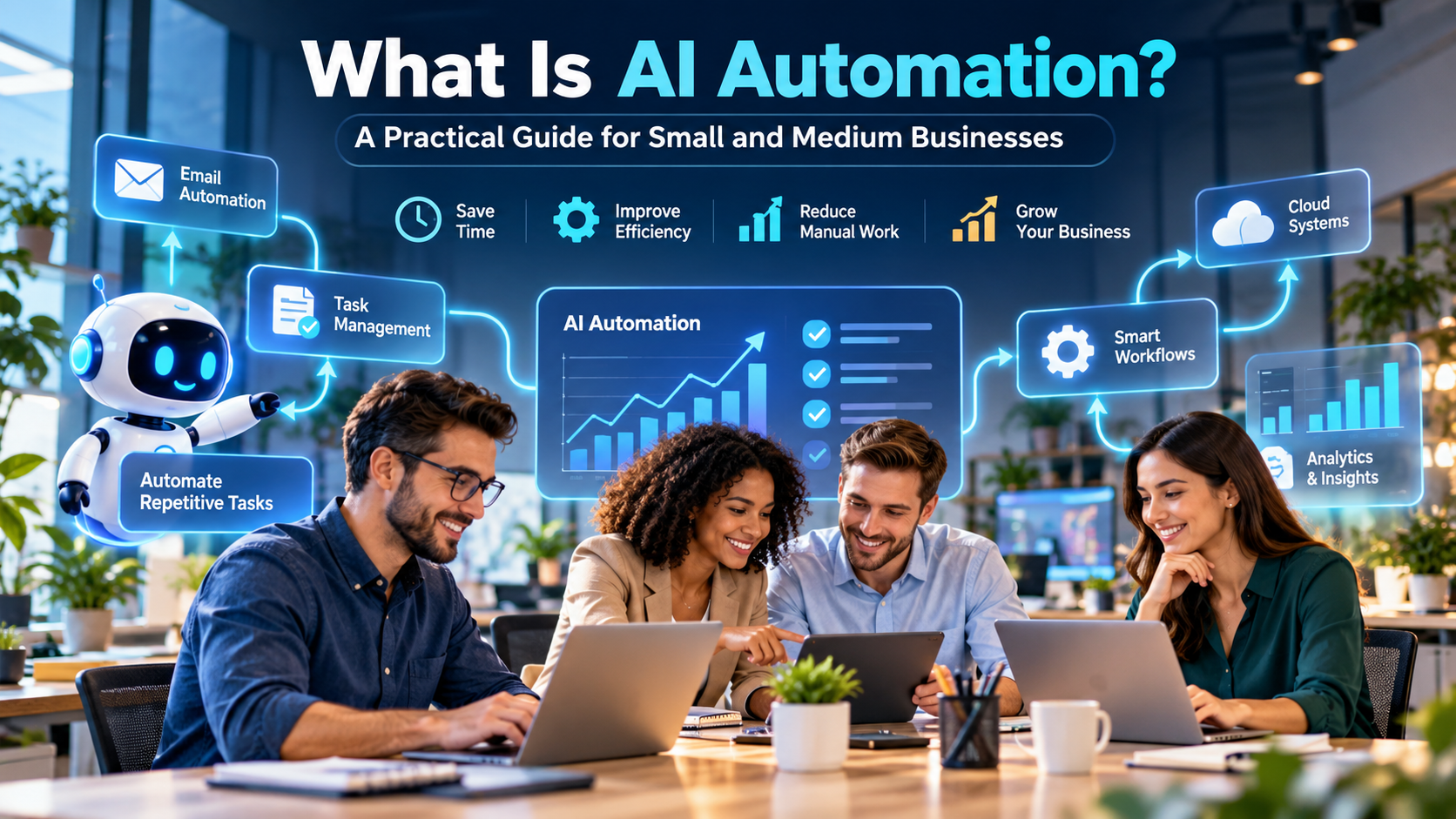
Running a small or medium business often means doing more with fewer people.
A customer sends an enquiry. Someone needs to reply. A lead comes through the website. Someone has to enter it into a spreadsheet or CRM. An invoice needs to be created. A follow-up email has to be sent. Reports need to be prepared at the end of the week.
None of these jobs is particularly difficult. The problem is that they happen again and again.
That is where AI automation becomes useful.
AI automation allows businesses to combine artificial intelligence with automated workflows so that routine work can happen with less manual involvement. Instead of employees spending hours copying data, sorting messages, preparing basic reports or answering the same questions, software can handle part of the process automatically.
For a small or medium business, this can mean faster work, fewer missed enquiries and more time for employees to focus on customers, sales and decision-making.
What is AI automation?
AI automation is the use of artificial intelligence together with automation technology to perform business tasks with limited human intervention.
Traditional automation usually follows fixed instructions.
For example:
When a customer fills out a website form, send a confirmation email.
AI automation can go further.
The system may read the customer’s message, understand what the person is asking about, classify the enquiry, add the customer to the correct CRM category, prepare a suitable response and notify the right employee.
The difference is important.
Traditional automation follows rules.
AI automation can also work with information, language, patterns and predictions.
This makes it useful for businesses where many everyday processes are repetitive but still require some level of interpretation.
A simple example of AI automation
Imagine a small digital marketing company receiving 40 enquiries through its website every day.
Without automation, an employee may need to:
- Open every enquiry.
- Read the message.
- Identify the required service.
- Copy the customer’s information into a CRM.
- Assign the enquiry to a salesperson.
- Send an acknowledgement email.
- Schedule a follow-up.
It may only take a few minutes per enquiry, but across hundreds of enquiries every month, the time adds up.
With AI automation, the workflow could look very different.
A website enquiry arrives.
AI analyses the message and identifies whether the customer is interested in SEO, website development, software development or digital marketing.
The customer’s information is automatically added to the CRM.
The lead is assigned to the relevant team.
A personalised acknowledgement email is prepared or sent.
A follow-up task is created automatically.
An employee still remains involved, particularly when a sales discussion begins, but much of the administrative work has already been completed.
That is a practical use of AI automation.
How does AI automation work?
Most AI automation systems combine several technologies rather than relying on one tool.
Artificial intelligence
AI helps software understand information and make basic decisions.
Depending on the application, this may involve natural language processing, machine learning, computer vision or generative AI.
For example, AI can analyse the content of a customer email and determine whether it is a complaint, sales enquiry or support request.
Workflow automation
Workflow automation moves information between different stages of a process.
For example:
Website form → CRM → Email → Sales team → Follow-up reminder
Instead of an employee manually moving the information from one system to another, the workflow handles it.
Business software integration
Automation becomes far more useful when different business systems can communicate.
A business may connect its:
- Website
- CRM
- Accounting software
- Customer support system
- Marketing platform
- Inventory software
- Cloud storage
- Analytics dashboard
Once these systems are connected, information can move between them automatically.
Why are small businesses adopting AI automation?
Large companies have used process automation for years. What has changed is accessibility.
Small businesses can now use AI-powered tools without building an expensive artificial intelligence infrastructure from scratch.
Cloud platforms, APIs and automation software have made many of these capabilities available to smaller organisations.
For SMEs, the main attraction is straightforward: automation can increase the amount of work a small team can handle.
Suppose a five-person company is growing quickly.
Hiring another employee may eventually be necessary, but hiring someone simply to transfer information between spreadsheets, send repetitive emails or prepare routine reports may not be the best first step.
Automating those processes can allow the existing team to spend more time on work that requires judgment, negotiation, creativity or customer relationships.
Where can small and medium businesses use AI automation?
AI automation can be applied to many parts of a business. The best starting point is usually a repetitive process that already consumes a noticeable amount of employee time.
1. Customer enquiry management
A business can automatically capture customer enquiries from websites, WhatsApp, email or other channels and send them to the appropriate department.
AI can also classify enquiries by topic.
For example:
- Sales enquiry
- Technical support
- Billing issue
- Product information
- Partnership request
- Complaint
This reduces the time employees spend manually sorting incoming messages.
2. Customer support
Businesses frequently receive the same basic questions.
Customers may ask:
- What are your working hours?
- How much does the service cost?
- Where is my order?
- How can I reset my password?
- What documents are required?
- When will someone contact me?
An AI-powered support assistant can answer many simple questions immediately.
More complicated queries can still be transferred to a human employee.
The goal should not be to remove people from customer service. It should be to stop employees from spending most of their day answering questions that have straightforward answers.
3. Lead management and sales automation
One of the most useful applications of AI automation for small businesses is lead management.
A business can automatically:
- Capture leads from forms
- Add leads to a CRM
- Identify the source of each lead
- Categorise prospects
- Assign leads to sales representatives
- Send follow-up emails
- Create reminders
- Track lead activity
AI can also help analyse previous customer behaviour to identify which leads may deserve faster attention.
For a growing business, this can reduce one of the most common sales problems: good leads being forgotten because nobody followed up on time.
4. Email automation
Email is still central to everyday business communication, but managing it manually can take a surprising amount of time.
AI automation can help companies classify emails, draft routine responses, extract information from messages and trigger workflows.
For example, if a customer sends an email asking for a quotation, the system may identify the request and notify the sales team.
If an invoice arrives, the system may send it to the accounts workflow.
If a support ticket arrives, it can be categorised and assigned to the appropriate person.
Employees remain responsible for important communication, but they spend less time organising the inbox.
5. Invoice and document processing
Businesses regularly work with invoices, purchase orders, quotations, receipts, application forms and other documents.
Employees often need to manually copy information from these documents into another system.
AI document processing can extract information such as:
- Customer name
- Invoice number
- Invoice date
- Product details
- Tax amount
- Total amount
- Payment due date
The information can then be stored or transferred into accounting or ERP software.
For businesses processing a large number of documents, this can save substantial administrative effort.
6. Marketing automation
Marketing teams can also use AI automation for repetitive activities.
A company might automate parts of:
- Email marketing
- Lead nurturing
- Customer segmentation
- Social media scheduling
- Campaign reporting
- Website lead capture
- Content distribution
For example, a new prospect downloading a company brochure could automatically enter a follow-up email sequence.
If the prospect later requests a quotation, the system could notify the sales team and stop the general marketing sequence.
This creates a more organised customer journey without requiring employees to manage every step manually.
7. Reporting and business analytics
Preparing weekly or monthly reports often involves collecting information from several places.
Sales may be stored in a CRM.
Website traffic may be available in an analytics platform.
Advertising performance may come from another dashboard.
Finance information may be stored elsewhere.
An automated reporting system can collect these numbers and present them in a single dashboard or scheduled report.
AI can also help summarise the results in plain language.
For example:
Website enquiries increased this month, but conversion from enquiries to customers fell.
A manager can then investigate the business problem instead of spending several hours assembling the spreadsheet first.
8. HR and internal operations
AI automation can also simplify internal processes.
Examples include:
- Employee onboarding
- Leave requests
- Document collection
- Training reminders
- Interview scheduling
- Internal support requests
- Employee FAQ systems
Consider employee onboarding.
Once a new employee joins, a workflow could create an email account, send company policies, request required documents, assign training material and notify the employee’s manager.
Instead of relying on someone to remember every administrative step, the workflow follows the process consistently.
9. Inventory and order management
Businesses selling physical products can use automation to monitor inventory levels and order information.
For example, when inventory falls below a particular level, the system can alert the purchasing team.
AI can also analyse historical sales information to help estimate future demand.
A retailer may discover that a certain product sells much faster during particular months or events.
Better demand estimates can help businesses avoid both excess inventory and stock shortages.
AI automation vs traditional automation
The terms are often used interchangeably, but there is a useful distinction.
Traditional automation is best when the rule is clear.
For example:
If an invoice is overdue by seven days, send a payment reminder.
AI becomes useful when the system has to interpret something less structured.
For example:
Read a customer email and determine whether it is a payment complaint, cancellation request or general enquiry.
In practice, strong business automation often combines both approaches.
AI interprets the information.
Automation decides what happens next.
What are the benefits of AI automation for SMEs?
The value of automation depends on the process being automated. However, several benefits appear repeatedly.
Less repetitive work
Employees spend less time copying information, sending routine messages and updating systems.
Faster response times
A customer enquiry does not have to wait several hours for someone to notice it.
The system can acknowledge or route the request almost immediately.
Fewer manual errors
Copying information between applications creates opportunities for mistakes.
Automation reduces repeated manual data entry.
Better consistency
A workflow follows the same process each time.
This can be particularly useful for onboarding, approvals, customer follow-ups and reporting.
Better use of employees’ time
A skilled employee should ideally spend more time doing work that needs expertise.
An experienced salesperson creates more value talking to customers than manually entering contact information into multiple systems.
Easier business growth
As transaction volumes grow, administrative work also grows.
Automation can help a business process more enquiries, customers, orders or documents without increasing administrative workload at exactly the same rate.
Does AI automation mean replacing employees?
This is one of the first concerns many business owners have.
In some industries, automation can certainly reduce the amount of manual work required for particular roles. But for many SMEs, the immediate opportunity is different.
The biggest problem is often that employees spend too much time on low-value administrative work.
Consider a salesperson spending two hours each day:
- Updating CRM records
- Creating follow-up reminders
- Copying customer information
- Preparing standard emails
Automating part of that work gives the salesperson more time to speak with prospects.
The important question therefore isn’t simply:
“Can AI replace this employee?”
A better question is:
“Which parts of this employee’s work should software be doing?”
That usually leads to much better automation decisions.
What should a small business automate first?
Businesses sometimes make the mistake of trying to automate everything at once.
A better approach is to choose one process with a clear problem.
Look for work that is:
- Repetitive
- Frequent
- Time-consuming
- Rule-based
- Easy to measure
- Currently performed manually
A simple example could be website lead management.
Before automation:
Customer submits form → employee checks email → employee copies details → employee sends acknowledgement → employee updates spreadsheet → employee assigns lead.
After automation:
Customer submits form → CRM record created → acknowledgement sent → salesperson assigned → follow-up reminder created.
That is a much easier automation project to evaluate than attempting to automate the entire company.
How to start AI automation in your business
Step 1: Identify repetitive processes
Talk to the people actually doing the work.
Ask them which tasks they repeat every day or every week.
You may find that some of the best automation opportunities are not obvious to management.
Step 2: Calculate the time being spent
Suppose four employees each spend 30 minutes every day updating the same type of information.
That is two hours every working day.
Once the time cost becomes visible, it becomes easier to decide whether automation is worth implementing.
Step 3: Map the current workflow
Write down what actually happens.
For example:
Lead received → information checked → lead recorded → salesperson assigned → email sent → follow-up scheduled.
Do not automate a process that nobody fully understands.
Step 4: Decide where AI is actually needed
Not every workflow requires artificial intelligence.
If a simple rule can solve the problem reliably, use the simple rule.
AI becomes useful when the system needs to understand text, classify information, generate content, recognise patterns or make predictions.
Step 5: Connect your existing systems
Most businesses already use several applications.
The automation should ideally work with those systems instead of forcing the company to rebuild everything.
Step 6: Keep humans involved in important decisions
High-value or sensitive decisions should have human oversight.
Examples include:
- Large quotations
- Refund decisions
- Legal communication
- Financial approvals
- Employee decisions
- Sensitive customer complaints
Automation should make these processes faster, not remove accountability.
Step 7: Measure the result
After implementing automation, compare the process with what happened before.
Look at measures such as:
- Time saved
- Response time
- Number of leads processed
- Conversion rate
- Error rate
- Customer satisfaction
- Administrative workload
If the process has not improved, simply adding AI does not make it successful.
Common mistakes businesses make with AI automation
Automating a bad process
If the existing process is confusing or inefficient, automation may simply make the problem happen faster.
Fix the workflow first.
Then automate it.
Using AI because it is fashionable
Not every business problem needs AI.
Sometimes a database rule, simple integration or scheduled workflow is enough.
The technology should match the problem.
Removing human review too quickly
AI systems can make mistakes.
Businesses should decide where human approval is required, particularly when financial, contractual or customer-sensitive decisions are involved.
Ignoring data quality
Automation depends heavily on the information flowing through it.
Duplicate CRM records, incomplete customer details or inconsistent spreadsheets will reduce the reliability of the workflow.
Building too much at once
A huge automation project can become expensive and difficult to maintain.
Small businesses usually get better results by automating one valuable process, measuring the outcome and then expanding.
How much does AI automation cost?
There is no single answer because an automation project can range from a basic workflow to a custom AI-powered business system.
The cost depends on factors such as:
- Number of processes being automated
- Existing software
- Number of integrations
- Amount of custom development
- AI model usage
- Number of employees or users
- Security requirements
- Data volume
- Maintenance requirements
A simple email or CRM automation may require little custom development.
A system connecting a website, ERP, CRM, customer support platform and AI knowledge base will naturally require more planning.
For an SME, the better question is often not “How much does AI automation cost?”
It is:
“How much is the current manual process costing us?”
If employees collectively spend 100 hours every month on a repetitive process, there is already a cost even if it does not appear as an automation expense.
Is AI automation suitable for every business?
Almost every business has some processes that can be automated, but that does not mean every process should be automated.
Automation works particularly well when a business has:
- Repetitive administrative work
- Frequent customer enquiries
- Large amounts of data entry
- Regular reporting requirements
- Repeated marketing workflows
- Multiple software systems
- High volumes of documents
- Follow-up processes that employees sometimes miss
A small company may only need two or three useful automations.
That can still make a meaningful difference.
AI automation examples for different industries
Retail
A retailer could automate order notifications, inventory alerts, customer support and abandoned-cart follow-ups.
Education
An educational organisation could automate student enquiries, admission follow-ups, document collection, attendance reporting and routine student communication.
Healthcare administration
Healthcare organisations can automate appointment reminders, administrative document processing and internal workflow routing while maintaining appropriate privacy and human oversight.
Real estate
A real estate company could capture property enquiries, categorise buyer requirements, schedule follow-ups and update CRM records.
Professional services
Consultancies, accountants and agencies can automate client onboarding, meeting scheduling, document requests, invoice reminders and reporting.
Manufacturing
Manufacturers can use automation for inventory alerts, quality data collection, maintenance scheduling, purchase workflows and operational reporting.
What is the future of AI automation for small businesses?
The biggest change is likely to be the movement from isolated AI tools toward connected AI workflows.
Today, many companies use one tool for email, another for CRM, another for accounting and another for customer support.
Increasingly, AI will sit between these systems and help coordinate work across them.
A customer request could move from a website to an AI system, into a CRM, through an internal approval workflow and back to the customer without employees manually transferring the same information at every stage.
Businesses that understand their own processes will have an advantage here.
Buying more AI software is not enough.
A company needs to know:
- Where work slows down
- Which tasks are repetitive
- Where information gets lost
- Which decisions require people
- Which processes can safely be automated
That is where useful AI automation begins.
Frequently asked questions about AI automation
What is AI automation in simple words?
AI automation means using artificial intelligence and software workflows to complete repetitive business tasks with less manual work.
It can be used for customer support, sales follow-ups, data processing, reporting, marketing and many other business processes.
What is an example of AI automation?
A simple example is a website enquiry system.
When a potential customer submits a form, AI can identify the type of enquiry, automatically add the lead to a CRM, assign it to the correct salesperson and send an acknowledgement email.
Can small businesses use AI automation?
Yes. Small businesses can automate many everyday processes without building their own AI models.
Common starting points include lead management, email workflows, customer support, reporting and administrative processes.
What business tasks can AI automate?
AI can assist with tasks such as email classification, customer enquiry handling, document processing, CRM updates, marketing workflows, reporting, lead qualification and internal administration.
Is AI automation expensive?
It depends on the complexity of the workflow.
Simple integrations can be relatively straightforward, while customised automation connecting several business systems can require more development and maintenance.
Will AI automation replace employees?
Some repetitive tasks can require less human effort after automation, but many businesses use automation primarily to free employees from routine administrative work.
Human judgment remains important for complex decisions, customer relationships and sensitive business processes.
What is the difference between AI and automation?
Automation follows predefined processes and rules.
AI can interpret information, recognise patterns, work with natural language and make predictions.
AI automation combines both capabilities.
Start with the process, not the technology
AI automation does not need to begin with a large transformation project.
Start by finding one process your team performs repeatedly.
Write down every step.
Identify where time is being wasted.
Then determine whether part of that process can be handled automatically.
A well-designed automation may save only a few minutes each time it runs. But if that process happens hundreds or thousands of times every year, those minutes matter.
For small and medium businesses, that is often where the real value of AI begins: not in replacing the entire way a company operates, but in quietly removing unnecessary work from the day.
Looking to automate your business processes?
MESD Technology helps businesses explore practical AI, software development and process automation solutions designed around real operational requirements.
Whether you want to automate customer enquiries, connect existing business applications, improve reporting, develop an AI-powered workflow or build a custom business platform, the right starting point is understanding your current process.
Visit www.mesdtech.com to learn more about technology and automation solutions for your business.